1xBet App on Android: Download, Permissions and Updates
Anyone can find a 1xBet APK within seconds, but the file itself is only half the story. Where it comes from decides whether your phone gets a working betting app or a repackaged fake carrying malware. Every later step — installing, updating, logging in — inherits the risk or the safety of that first choice. This guide walks through the whole Android process: picking a trustworthy source, downloading, handling the unknown-sources permission, exploring what the app offers, keeping it current, and fixing the errors that trip people up.
Judging Where the File Comes From
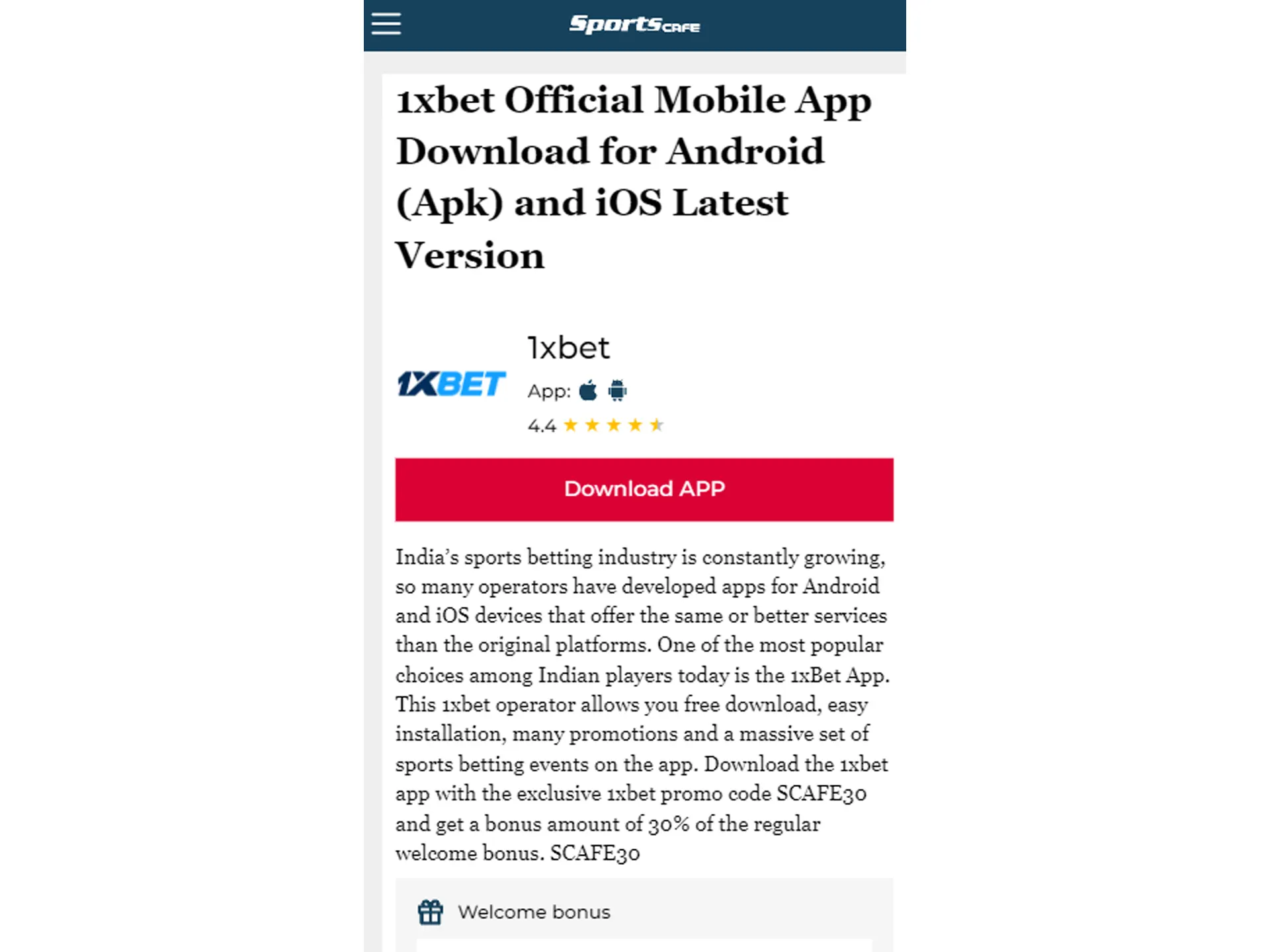
An APK is simply Android's installation package, and because 1xBet distributes its app outside the usual store in many regions, the file can sit on any number of websites. That openness is exactly what scammers exploit. Before tapping download, run through a short checklist:
- Reach the page through the operator's own site or a verified in-app prompt, never through ads or forwarded messages.
- Check the address bar carefully — cloned pages often swap a single letter or add extra words to the domain.
- Look for a working secure connection and a page that explains the installation steps rather than pushing an instant download button.
- Avoid portals that bundle the APK with "modded" features, boosted odds promises, or unrelated apps.
The 1xBet app page is the natural starting point, and you can 1xbet apk update free download when you want to confirm you are on the right track before downloading anything.
Getting the APK Onto Your Phone
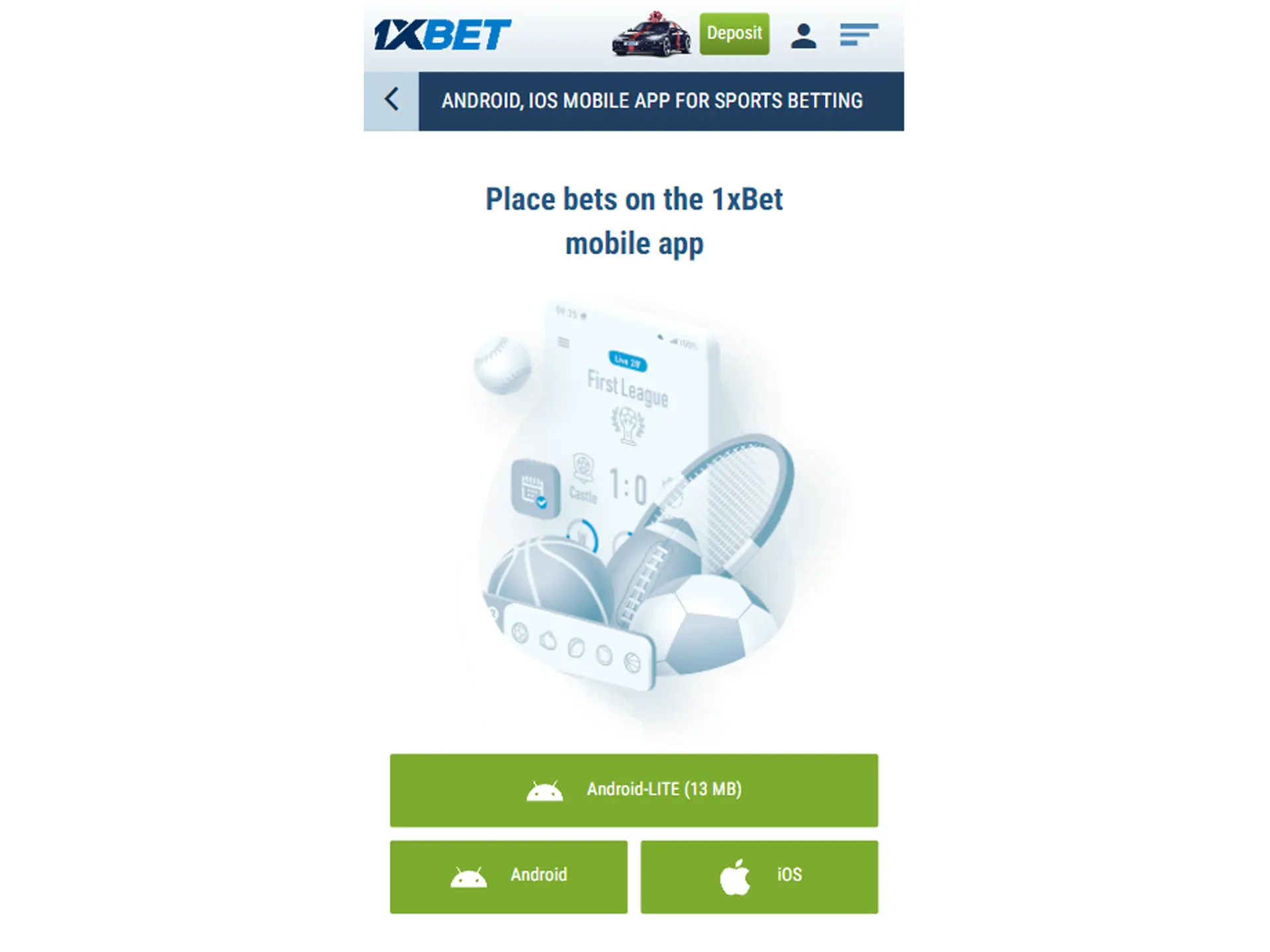
Once the source checks out, the download itself is quick. Open the page in your mobile browser, tap the Android download button, and let the file save to your device. A few habits make this stage smoother:
- Use a stable connection so the package does not arrive corrupted.
- Let the download finish completely before tapping the file — partial files cause most "parse error" complaints.
- Note where your browser saves files, usually the Downloads folder, so you can find the APK again.
- Delete older copies of the installer first to avoid opening the wrong version.
If the page offers both a direct APK and instructions, read the instructions first. 1xbet apk update latest version is the sort of destination where the file and the guidance sit together, which removes most guesswork.
The Unknown-Sources Permission, Explained Properly
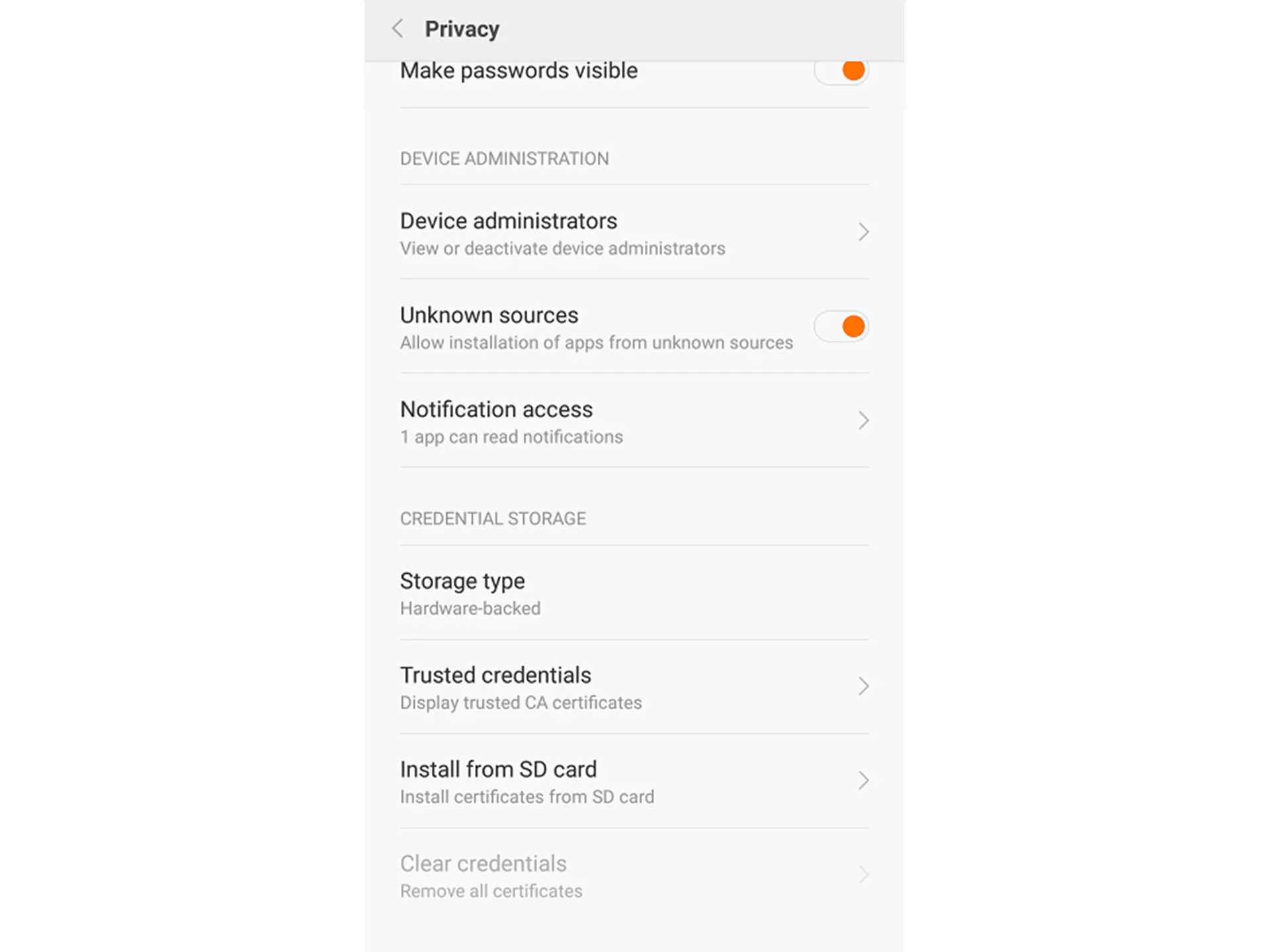
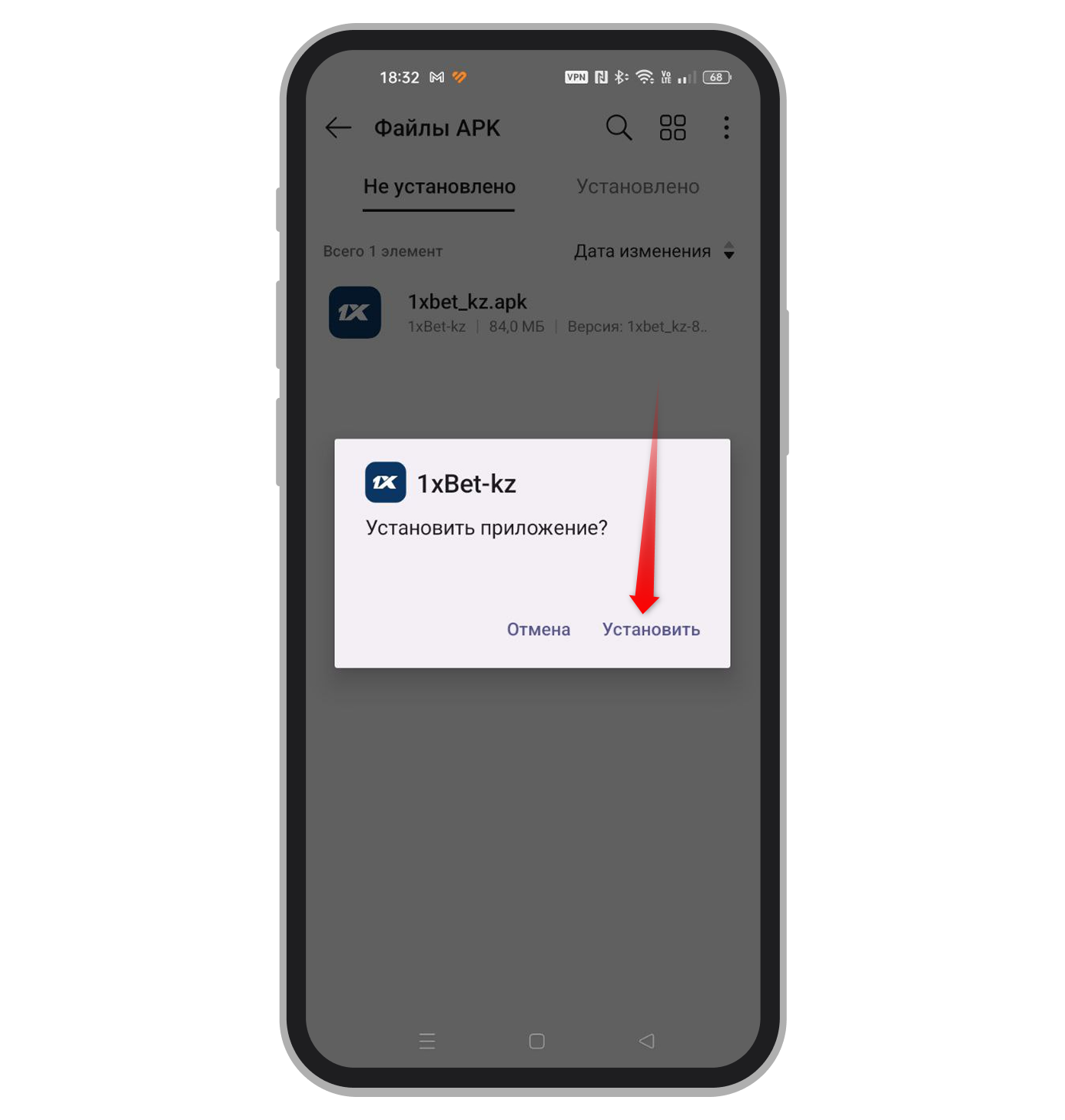
Android blocks installations from outside its store by default, so the first time you open the APK, a prompt appears asking you to allow installs from that source. Modern Android versions grant this permission per app — meaning you approve your browser or file manager specifically, not the whole phone. That detail matters for two reasons:
- You stay in control: the permission applies only to the one app you approved, not to everything on the device.
- You can revoke it afterwards in Settings under Apps, Special app access, Install unknown apps — and doing so after installation is a sensible habit.
Grant the permission, tap the APK, confirm the install, then switch the permission back off. The table below sums up the flow.
| Step | What happens | Your action |
|---|---|---|
| Prompt appears | Android blocks the install | Tap Settings in the dialog |
| Permission screen | Toggle for your browser or file manager | Allow once |
| Installer runs | APK installs the app | Confirm and wait |
| Afterwards | Permission stays active | Revoke it for safety |
What the App Actually Does
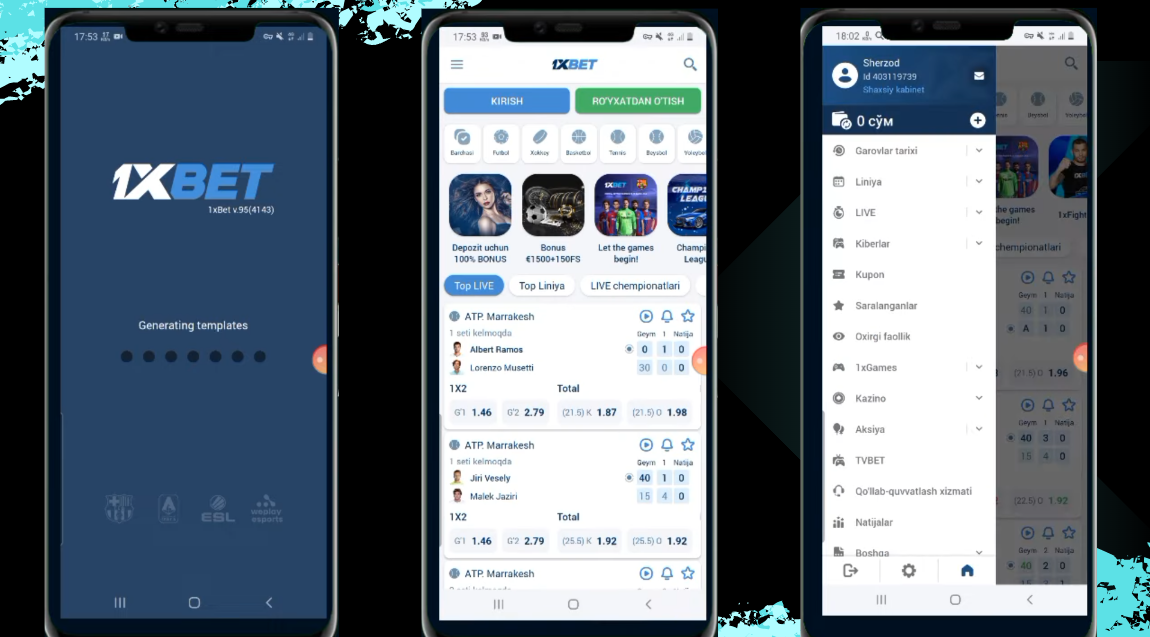
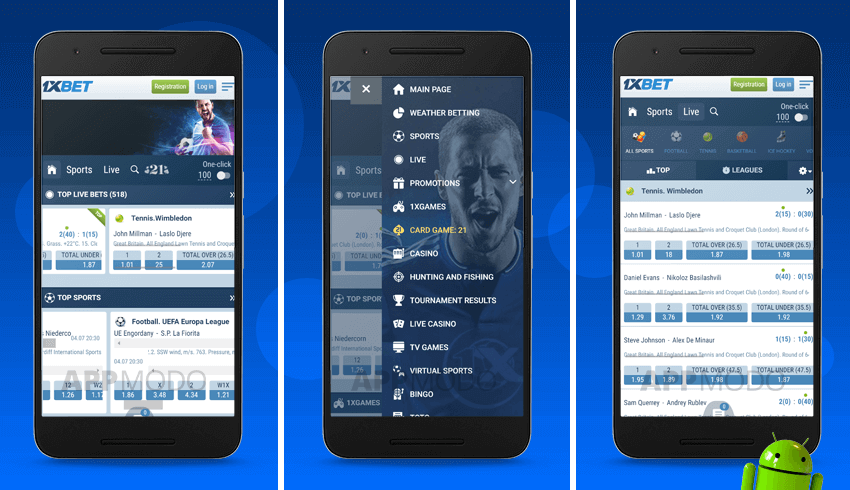
Installed and opened, the 1xBet app mirrors the full platform rather than a stripped-down version. Exact menus and sections vary by region and release, but the core areas stay consistent:
- Sports betting across pre-match markets, with a bet slip that handles singles, accumulators and system bets.
- Live betting with updating odds, match trackers and, where available, streaming or animated visualisations.
- A casino section covering slots, table games and live-dealer rooms in practice.
- Payments — deposits and withdrawals through the methods supported in your region, with transaction history inside the cashier.
- Account tools: registration, login, verification uploads, bonus tracking, notifications and support access.
The layout is built for one-handed use, and push notifications can flag settled bets or price changes if you enable them. Features roll out gradually, so two users on different versions may see slightly different screens — that is normal, not a fault.
Keeping the App Updated
Because the app sits outside the store, updates do not arrive automatically in every case. The app usually notifies you when a new build exists and offers an in-app update, or you return to the same download page and install the newer APK over the old one. A few points worth knowing:
- Update prompts inside the app are the safest route, since they come from the running, verified installation.
- Installing over the top normally keeps your login and settings; a clean reinstall may not.
- If an update refuses to install, certificate mismatch is a common cause — Android rejects packages signed differently from the installed copy. Uninstalling first usually resolves it, but local app data can be lost in the process.
- Never update through a file sent by a stranger or a pop-up on an unrelated site.
| Update route | Typical result |
|---|---|
| In-app prompt | Seamless, settings preserved |
| Fresh APK over old | Usually seamless |
| Uninstall then reinstall | Works, but local data may go |
When Installation Goes Wrong
Most failures fall into a handful of recognisable patterns, and each has a straightforward fix:
- "App not installed" — often a corrupted download or a conflicting older version. Re-download the file, or uninstall the existing copy first.
- Parse error — the package is incomplete or damaged. Remove it and re-download over a reliable connection.
- Blocked by Play Protect — a generic warning for any sideloaded app. If you trust your source, you can proceed; if you doubt the source, stop and re-check it.
- Not enough storage — clear space before retrying; the installer needs room beyond its own size on Android.
- Nothing happens on tap — the unknown-sources permission was never granted for that browser or file manager. Enable it and try again.
If none of these help, the mobile website at the operator's address covers betting, casino and payments without any installation at all — a practical fallback while you sort the phone out.
FAQ
Can the 1xBet APK be installed safely on a new phone?
The file itself is fine when it comes from the operator's own channels. The risk sits with third-party mirrors and modified packages, which is why checking the source matters more than any other step.
What makes Android ask for a special permission?
Android treats any install from outside its store as untrusted by default. You approve the specific app doing the installing — your browser or file manager — and you can switch that approval off again afterwards.
Will I lose my account if I uninstall the app after an update?
Your account lives on the operator's servers, so your balance and history survive on your device. Local data like saved logins and cached settings can disappear with an uninstall, so keep your credentials handy.
How can I know an update is genuine?
Prompts appearing inside the already-installed app are the most reliable signal. Updates signed with a different certificate fail to install, which is Android quietly protecting you from tampered copies.
Can I actually skip the APK entirely?
Yes. The mobile website delivers the same betting, casino and account functions through a browser, with no permissions or updates to manage — a good option if you prefer not to sideload.